Introduction
The bigger takeaway is simple: In an increasingly connected world, reliable internet access is paramount. While Wi-Fi hotspots offer convenience, there are scenarios where a physical connection triumphs in stability, speed, and security. Enter USB tethering – a powerful yet often overlooked method to share your phone’s mobile data connection directly with your computer. Whether you’re facing flaky public Wi-Fi, need a robust connection for work, or simply want to maximize your speed, understanding USB tethering can be a game-changer. This guide will walk you through what it is, why it’s beneficial, and how to easily set it up on your device.
Table of Contents
- Introduction
- What is USB Tethering?
- Why Opt for USB Tethering Over Wi-Fi Hotspots?
- How to Enable USB Tethering
- Important Considerations
- Expert Perspective
- Frequently Asked Questions
- Conclusion
- For Android Devices:
- For iOS Devices (iPhone):
- Why is USB tethering important?
- What impact could USB tethering have?
- What should readers watch next with USB tethering?
- How does this relate to tethering?
What is USB Tethering?
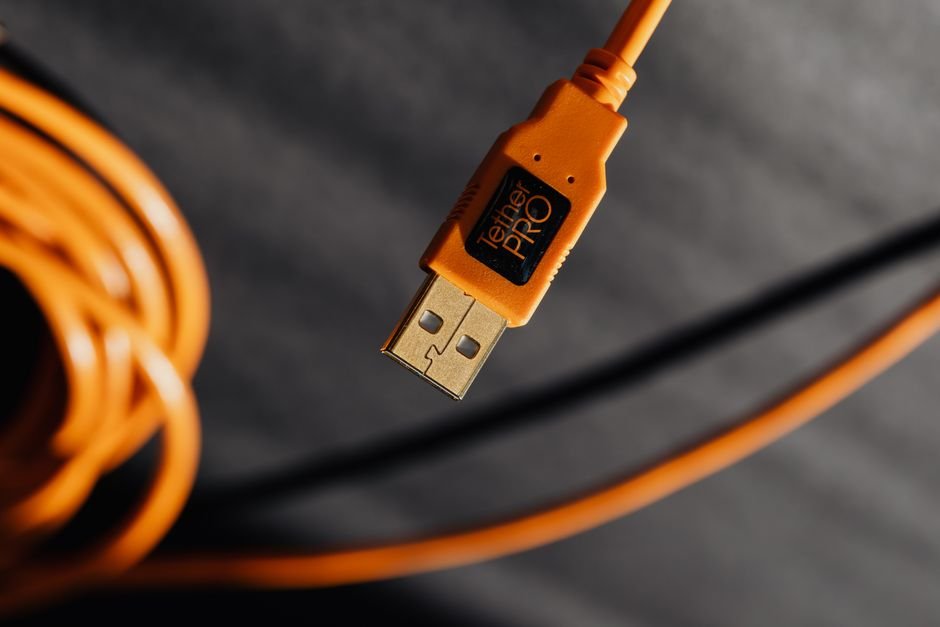
Meanwhile, USB tethering transforms your smartphone into an external modem for your computer. Instead of broadcasting a Wi-Fi signal, your phone shares its mobile data connection through a physical USB cable.
When you connect your phone to a laptop or desktop via USB and enable tethering, your computer detects your phone as a network adapter, providing it with internet access using your phone’s cellular data plan. It’s essentially a wired mobile hotspot, offering a direct, stable link between your phone’s internet and your computer.
Why Opt for USB Tethering Over Wi-Fi Hotspots?
While wireless hotspots are convenient, USB tethering offers distinct advantages:
- Enhanced Stability and Speed: A direct cable connection often provides a more stable and potentially faster internet experience compared to a wireless Wi-Fi hotspot. This is particularly noticeable in areas with signal interference or when you need consistent bandwidth for tasks like video calls or large downloads.
- Improved Security: Wired connections are inherently more secure than wireless ones. When tethering via USB, you bypass the vulnerabilities associated with open Wi-Fi networks, as your data is transmitted directly to your computer without being broadcast over the air.
- Battery Efficiency (for your phone): When tethering via USB, your phone often charges simultaneously from your computer’s USB port. This means your phone’s battery isn’t drained by maintaining a Wi-Fi hotspot, allowing for longer internet sessions without worrying about your phone dying.
- No Extra Devices Needed: Unlike dedicated mobile hotspots, USB tethering utilizes hardware you already own – your smartphone and its charging cable.
How to Enable USB Tethering
In practical terms, Enabling USB tethering is a straightforward process, though the exact steps might vary slightly between Android and iOS devices.
For Android Devices:
- Connect Your Phone: Use a USB cable to connect your Android smartphone to your computer.
- Open Settings: Navigate to your phone’s “Settings” app.
- Find Network & Internet: Look for “Network & internet” or “Connections” (wording may vary depending on your Android version and manufacturer).
- Access Hotspot & Tethering: Tap on “Hotspot & tethering.”
- Enable USB Tethering: Toggle the “USB tethering” option to the “On” position. Your computer should now detect a new network connection and automatically connect to the internet.
For iOS Devices (iPhone):
- Connect Your iPhone: Plug your iPhone into your computer using a Lightning-to-USB cable.
- Open Settings: Go to your iPhone’s “Settings” app.
- Access Personal Hotspot: Tap on “Personal Hotspot.” If you haven’t used it before, you might need to enable it here first.
- Trust This Computer: If prompted on your iPhone, tap “Trust” and enter your passcode.
- Select iPhone as Network: On your computer, your iPhone should appear as a network option. Select it to connect.
Important Considerations
Before relying solely on USB tethering, keep these points in mind:
- Data Usage: Remember that USB tethering uses your mobile data plan. Keep a close eye on your data consumption to avoid unexpected overage charges, especially if you’re streaming or downloading large files.
- Cable Dependency: You’ll always need a physical USB cable, which might not always be convenient or available.
- Computer Drivers: While most modern operating systems automatically install necessary drivers, very old computers might require manual driver installation for your phone to be recognized as a network device.
Expert Perspective
A practical read on USB tethering starts with tethering. That is where the earliest effects are likely to show up if this development keeps building.
What happens next will come down to adoption speed, policy response, and execution quality. That combination could make USB tethering a meaningful reference point across quot.
For decision-makers, the useful lens is not the headline alone but how phone changes priorities once organizations have to respond.
Frequently Asked Questions
Why is USB tethering important?
IntroductionThe bigger takeaway is simple: In an increasingly connected world, reliable internet access is paramount.
What impact could USB tethering have?
While Wi-Fi hotspots offer convenience, there are scenarios where a physical connection triumphs in stability, speed, and security.
What should readers watch next with USB tethering?
Enter USB tethering – a powerful yet often overlooked method to share your phone’s mobile data connection directly with your computer.
How does this relate to tethering?
It connects because the article frames tethering as one of the clearest areas where the topic may be felt in practice.
Conclusion
Taken together, the story points to a trend that is still unfolding. For example, USB tethering offers a powerful, reliable, and secure alternative to traditional Wi-Fi hotspots, especially when you need a robust internet connection on the go. By leveraging your smartphone and a simple USB cable, you can unlock faster speeds, enhance your online security, and even save your phone’s battery life.
It’s a valuable tool in any digital nomad’s arsenal or for anyone simply seeking a more stable connection in a pinch. Give it a try and experience the difference a wired connection can make!
Source: https://www.engadget.com/2225903/what-is-usb-tethering-how-enable-for-mobile-hotspot/